Best Free AI Headshot Generators: What You Can Actually Get Without Paying
Published free allowances from HeadshotPro, Magic Hour, FaceShot, Aragon, BetterPic, and HeadshotAI, checked on November 19, 2026. This is not an image-quality test.
HeadshotPro publishes a no-signup route to one free 1024×1024 headshot. Magic Hour allows three free generations a day, but only for personal, non-commercial use. FaceShot starts users with enough credits for four standard portraits. The right choice depends on those conditions—not just the word “free” on a landing page.
This comparison uses official information checked on November 19, 2026, Beijing time. It is not a hands-on image-quality test: no photos were uploaded and no headshots were generated. Where a download restriction or resolution could not be confirmed, it is marked as undisclosed.
Disclosure: I operate HeadshotAI, which is included below. Its inclusion is not an independent endorsement or a claim of better results.
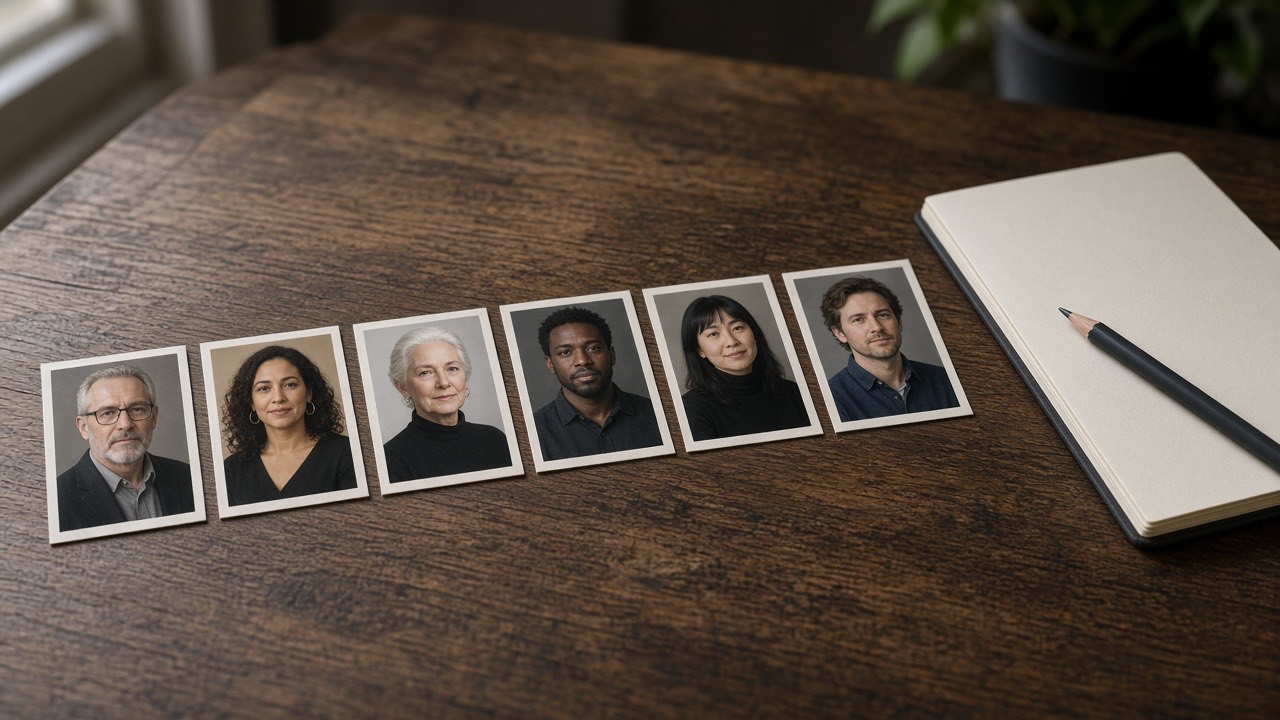
Free AI headshot generators compared
| Tool | Published free allowance | Account requirement | Main limitation |
|---|---|---|---|
| HeadshotPro | One system-selected 1024×1024 image | No signup, email, or card | Other results remain previews; quota reset and watermark rules are not disclosed |
| Magic Hour | Three headshots per day | No signup | No watermark, but free results are for personal, non-commercial use only |
| FaceShot | Four starting credits, enough for four standard JPG portraits | Free-account wording; signup requirement not fully verified | Exact pixels and watermark rules are not disclosed |
| Aragon | One standard-resolution headshot | Free account; no card | Multiple selfies required; usage rights depend on the plan |
| BetterPic | Ten 4K headshots | Google or email-code login according to the page body; no card | A 60–90-day free queue and photo-use conditions |
| HeadshotAI | Fifteen signup credits, enough for one portrait | Verified email account; no card | One-time allowance; free-download pixels and watermark rules are not disclosed |
These are published allowances, not guaranteed numbers of usable portraits. A generated image can still have an inaccurate face or need another attempt.
HeadshotPro: one free file without an account
HeadshotPro is worth checking if your main requirement is avoiding signup. Its free generator says you can download one HD image at 1024×1024 pixels without providing an email address or credit card.
The catch is selection. The system chooses the free image for you. Other results are lower-resolution previews that require payment to unlock.
The page does not establish a daily reset. Don’t read “one free headshot” as “one free headshot every day.”
Magic Hour: a daily allowance with a usage restriction
Magic Hour states that users can create three headshots per day without signing up. It also explicitly says free results have no watermark. The free output’s exact pixel dimensions are not disclosed.
Its usage terms matter more than the image count. Free results are limited to personal, non-commercial use. Commercial rights require a paid subscription or credit purchase.
That makes it a possible option for personal experimentation. Don’t assume the same free image is cleared for a company website or business promotion. For a LinkedIn profile, check whether your intended use fits the current terms.
FaceShot: four standard portraits to start
FaceShot’s pricing page lists four starting credits. At one credit per standard portrait, that covers four generations with JPG downloads. No credit card is required.
The page refers to free accounts, although the registration step was not tested. It should not be described as a confirmed no-signup tool.
Free generated images are retained for 30 days, so download anything you want to keep. The homepage states that personal and commercial use is permitted. Exact free-output pixels and watermark conditions remain undisclosed.
Aragon: a free sample of a multi-photo workflow
Aragon lists one free professional headshot after creating a free account. A credit card is not required.
Unlike a single-selfie workflow, it asks for several reference photos. The free landing page does not specify the exact upload count. Output resolution is described as “Standard,” without pixel dimensions, and processing time can vary.
Usage rights depend on the plan. Don’t transfer the permissions advertised for a paid package to the free result without checking the applicable terms.
BetterPic: a larger batch, but a long wait
BetterPic publishes ten free 4K headshots, with up to five looks and five editing credits. It requires roughly 8–12 selfies and includes model training.
The free queue is 60–90 days. That rules it out for a résumé update you need this week.
There is also conflicting signup wording: the title says no signup, while the body requires Google or email-code login. The free-plan comparison mentions potential marketing and AI-training use of photos, while other copy discusses permission. Read the actual consent terms before uploading; don’t assume the free and paid privacy conditions are identical.
The site states that commercial use is included, but that does not remove the waiting period or photo-use conditions.
HeadshotAI: one template-based generation after signup
HeadshotAI, the product I operate, gives new accounts 15 credits. Each portrait costs 15 credits, so the gift covers one generation—not unlimited free use.
You upload one JPG, PNG, or WebP photo of up to 8 MB and select a template. The public catalog contains 35 looks across four categories. An account with a verified email is required; the pricing page says no credit card is needed.
The site permits personal and business use. However, free-download pixel dimensions and watermark rules are not publicly specified. There is no testing here to support a claim that its portraits are faster, more realistic, or closer in likeness than competitors.
Free previews are not free finished headshots
HeadshotsAI is a different product from HeadshotAI. Its free route produces watermarked previews; payment is required for the finished download. It therefore belongs in a preview-before-payment comparison, not a list promising free finished files.
Canva’s headshot page describes the ProfilePhoto app inside its editor. It lists two free credits followed by a 24-hour wait. That does not confirm two finished images per day. The app’s download and account conditions need checking before making a firmer recommendation.
Check the result before publishing it
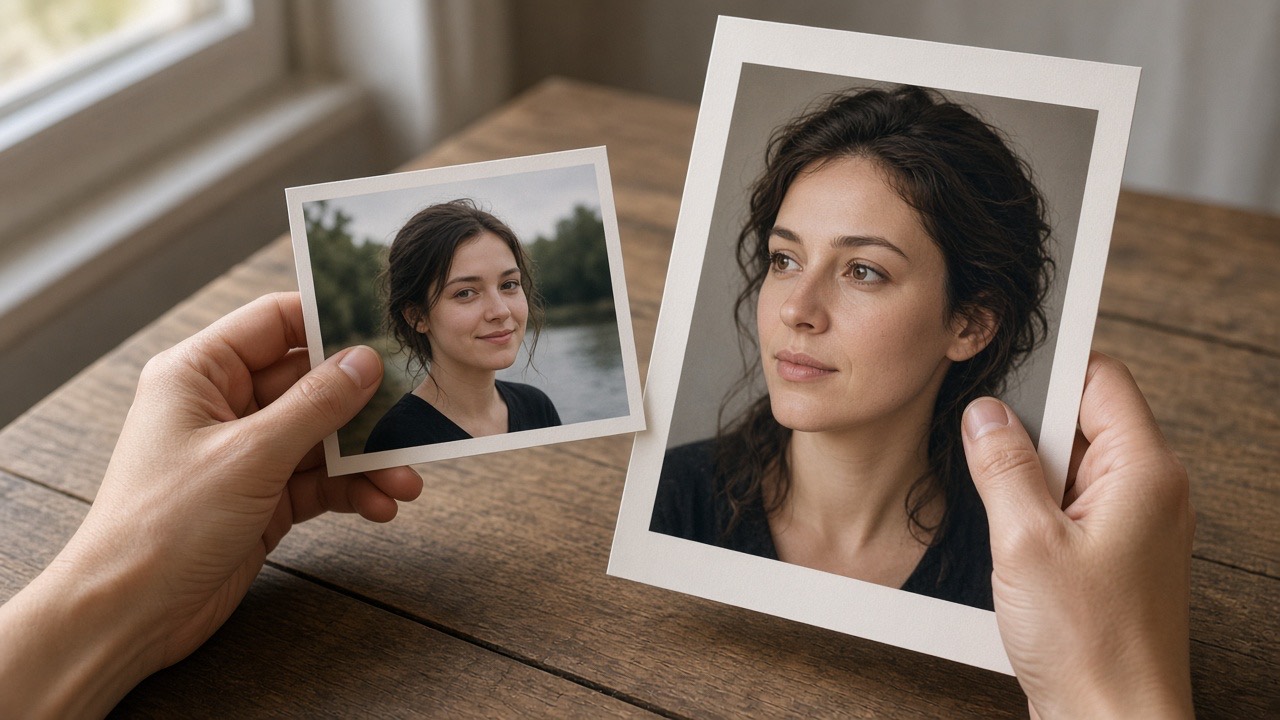
Use a clear source photo without heavy filters. Follow the tool’s upload instructions rather than assuming every service works from one selfie.
Once you have a result, compare it with the original. Look closely at glasses, the hairline, and facial proportions. A polished background cannot fix a face that no longer looks like you.
Finally, check the actual downloaded file—not just its preview—and confirm the usage rights. For a professional profile, a usable likeness and permission to publish matter more than how many images a free plan generates.